
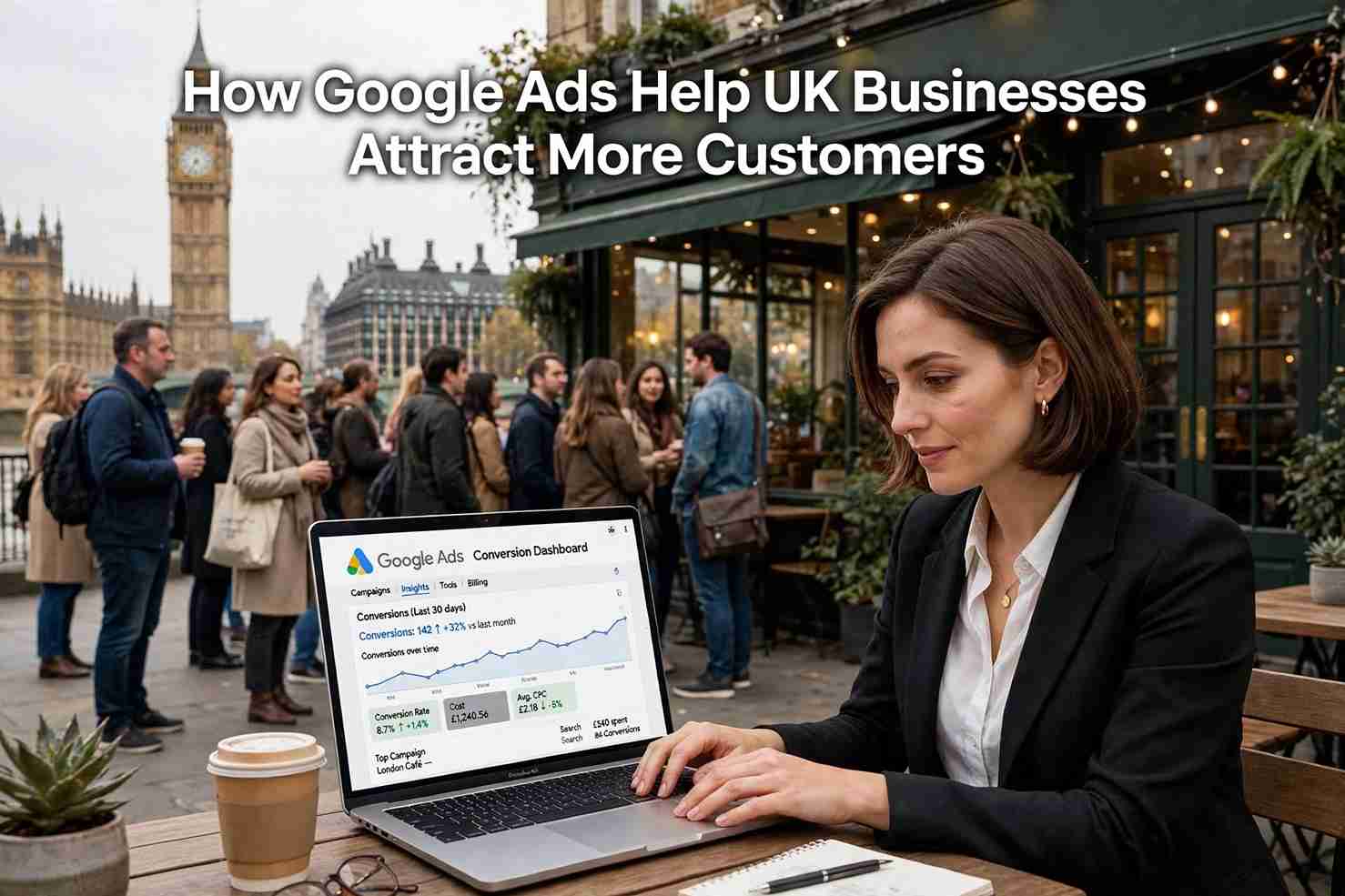
How Google Ads Help UK Businesses Attract Customers
For most UK
businesses, the customer journey starts with a search. Someone needs a plumber
in Manchester, a solicitor in Leeds or a bakery near Bristol, so they pick up
their phone and ask Google. If your business is not visible at that moment, a
competitor is. Google Ads puts your business in front of people who are
actively looking for what you sell, which is why it remains one of the most
effective ways to attract customers online.
Reach People at the Moment They Are Ready to Buy
Traditional
advertising interrupts people. Google Ads does the opposite. Your ad appears
when someone types a search that matches your service, such as "emergency
electrician London" or "accountant for small business". That
person already has a need and is often ready to act.
This is called
search intent, and it is the main reason paid search converts so well. Instead
of hoping the right people see your message, you show up exactly when they are
looking. For service businesses, shops and local firms across the UK, that
timing can mean the difference between a phone call and a lost sale.
You Only Pay When Someone Clicks
Google Ads uses
a pay-per-click (PPC) model. Showing your ad costs nothing; you are charged
only when someone clicks through to your website. This makes the platform
accessible to everyone from sole traders to large companies.
You also stay
in control of spending. You set a daily budget in pounds, and Google will not
exceed it over the month. If a campaign is not performing, you can pause it
instantly. Compared with print, radio or billboard advertising, where you pay
upfront with little certainty of the return, this flexibility lowers risk
considerably.
Target the Right Audience, Right Where They Are
Precise
targeting is one of the biggest strengths of Google Ads, especially for
businesses serving a specific area. You can choose to show your ads:
•
In a particular city, town, postcode area or within a
set radius of your premises
•
At certain times of day or days of the week, such as
only during opening hours
•
To people using specific devices, including mobile
users searching on the go
•
To audiences based on interests, past visits to your
website or customer lists
A Glasgow
dentist does not need to pay for clicks from Cornwall. By focusing on the areas
you actually serve, your budget works harder and your leads are far more
relevant.
Choose the Campaign Type That Fits Your Goals
Google Ads is
not a single tool. It offers several campaign types, each suited to a different
objective:
•
Search campaigns: text ads on Google results
pages, ideal for capturing high-intent enquiries.
•
Local campaigns and location extensions: help
people find your shop, clinic or restaurant and get directions.
•
Shopping campaigns: show product images, prices
and reviews, perfect for UK online retailers.
•
Performance Max: uses Google's automation to
show your ads across Search, YouTube, Maps, Gmail and more.
•
Display and video campaigns: build awareness and
remind past visitors to return.
Build Trust and Visibility Quickly
Organic search
engine optimisation (SEO) is valuable, but it can take months to bring results.
Google Ads can put you at the top of the results page within days. That speed
is especially useful when you are launching a new business, promoting a
seasonal offer or entering a competitive market.
Ad extensions
add further credibility. You can include your phone number, address, star
ratings, extra links to key pages and short descriptions of what makes you
different. These details make your ad more useful and more clickable, and they
help build trust before anyone visits your site.
Measure Everything and Improve Continuously
Unlike many
traditional channels, Google Ads is fully measurable. With conversion tracking
you can see how many clicks led to phone calls, form submissions, bookings or
purchases. You can see which keywords produce customers and which simply use up
budget.
Linking Google
Ads with Google Analytics gives you an even clearer picture of how visitors
behave on your site. You can then adjust bids, refine your keywords, rewrite ad
copy and improve landing pages based on real data rather than guesswork. Over
time, this cycle of testing and improving lowers your cost per customer.
Practical Tips to Get Better Results
•
Start with clear goals. Decide whether you want
calls, bookings, sales or sign-ups before you build a campaign.
•
Use specific keywords. "Wedding
photographer in York" usually brings better leads than a broad term like
"photographer".
•
Add negative keywords. Exclude irrelevant
searches such as "free" or "jobs" so you do not pay for the
wrong clicks.
•
Write compelling ads. Highlight your unique
selling points, offers and a clear call to action.
•
Send people to a relevant landing page. A fast,
mobile-friendly page that matches the ad turns clicks into customers.
•
Respect UK rules. Keep your claims honest and
follow the Advertising Standards Authority (ASA) guidelines, and make sure your
website handles data and cookies in line with UK GDPR.
Common Mistakes to Avoid
Many businesses
waste money by setting up a campaign and never reviewing it. Others target too
broadly, ignore mobile users or send every click to the homepage. Reviewing
your account regularly, or working with a trusted PPC specialist, helps you
avoid these pitfalls.
Conclusion
Google Ads
gives UK businesses a direct line to customers who are searching for exactly
what they offer. With flexible budgets, precise local targeting, quick results
and detailed reporting, it is a practical option whether you run a corner shop
or a growing national brand. The key is to start with clear goals, track your
results and keep improving.
If you are
ready to attract more customers online, now is a good time to review your
Google Ads strategy and make every pound count.